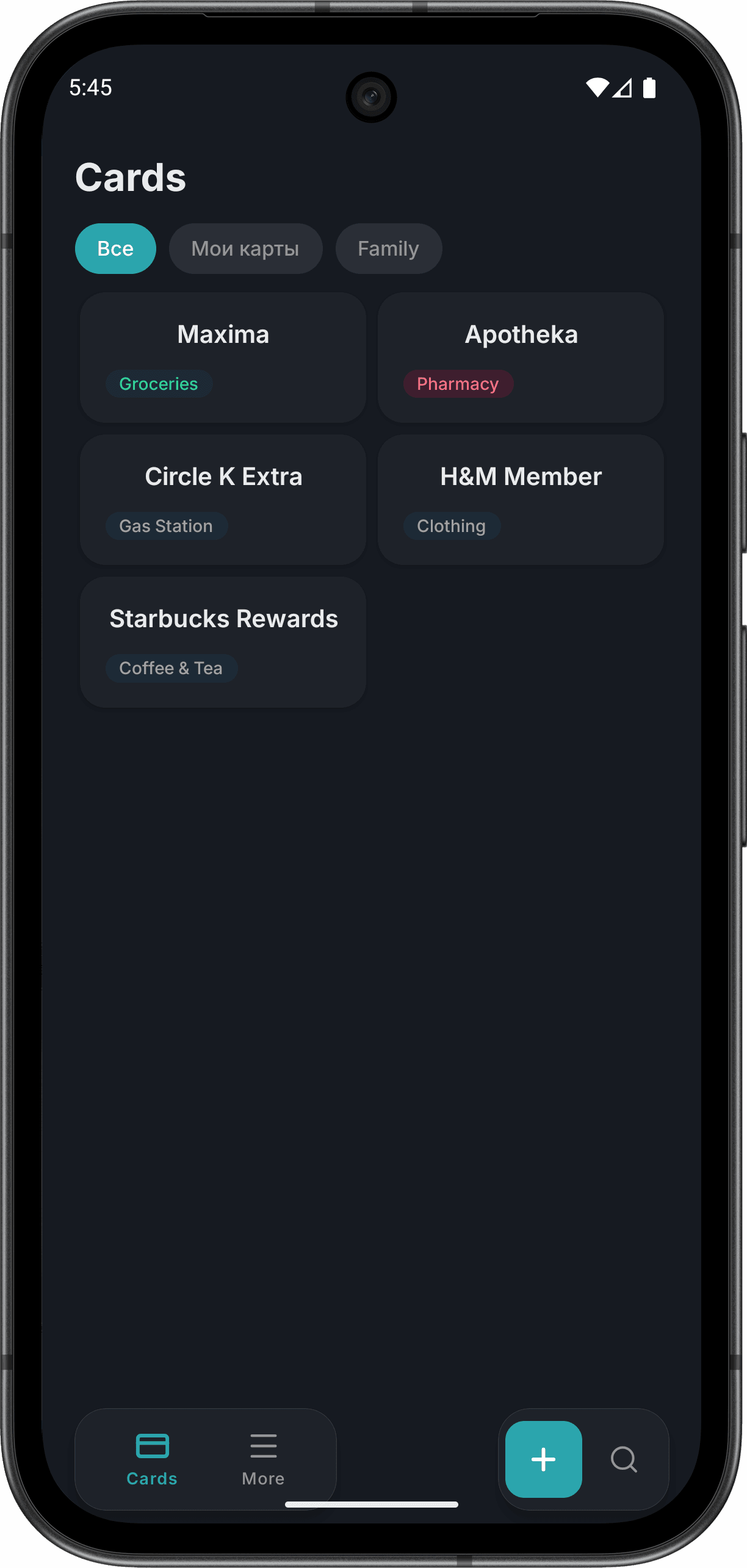
Everything you need
From scanning to checkout — Keylix handles your loyalty cards so you don't have to.
Scan & Go
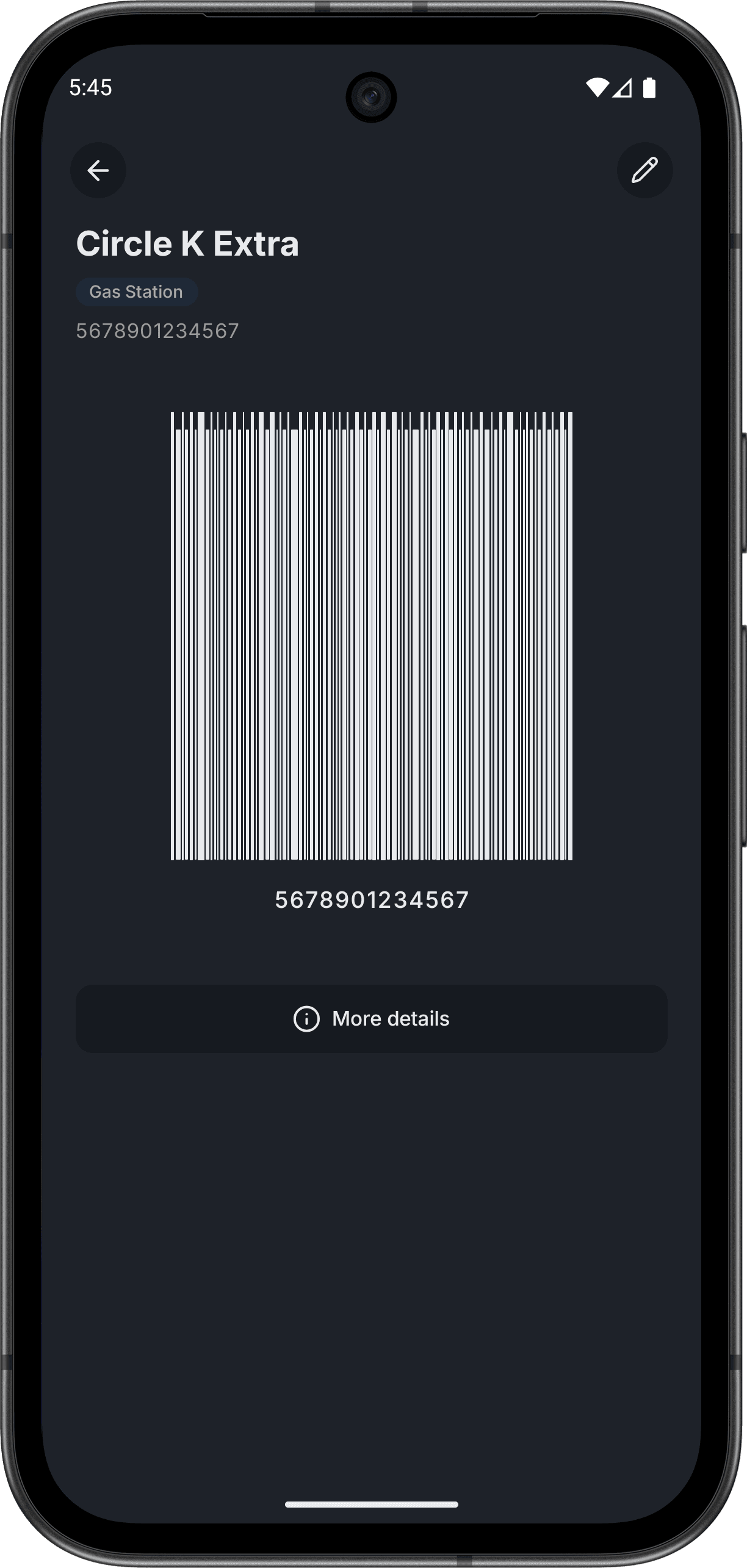
Point your camera at any barcode or QR code to instantly add a loyalty card. No typing required.
AI Recognition
Snap a photo of your card — our AI identifies the store, category, and card details automatically.
Nearby Cards
Cards for nearby stores automatically appear at the top. Always ready when you need them at checkout.
Groups & Sharing
Create groups for family, friends, or colleagues. Share cards in real-time — everyone stays in sync.
Smart Sorting
Cards organized by category, frequency, and location. Your most-used cards always float to the top.
The right card, right when you need it
Keylix learns where you use your cards and surfaces them when you're nearby — so the right card is always on top.
How it works
Every time you use a card at a store, Keylix remembers the location. Next time you're within 500 meters of that store, the card automatically moves to the top of your list. The more you use the app, the smarter it gets.
Learns from your habits
Keylix builds a personal map of where you shop. Over time, it knows exactly which card to show based on where you are.
Zero searching at checkout
Stop scrolling through dozens of cards at the register. Walk into a store you've visited before — your card is already at the top.
Community-powered suggestions
New card with no history? If enough users have used the same card nearby, Keylix suggests it based on community data — anonymously and privately.
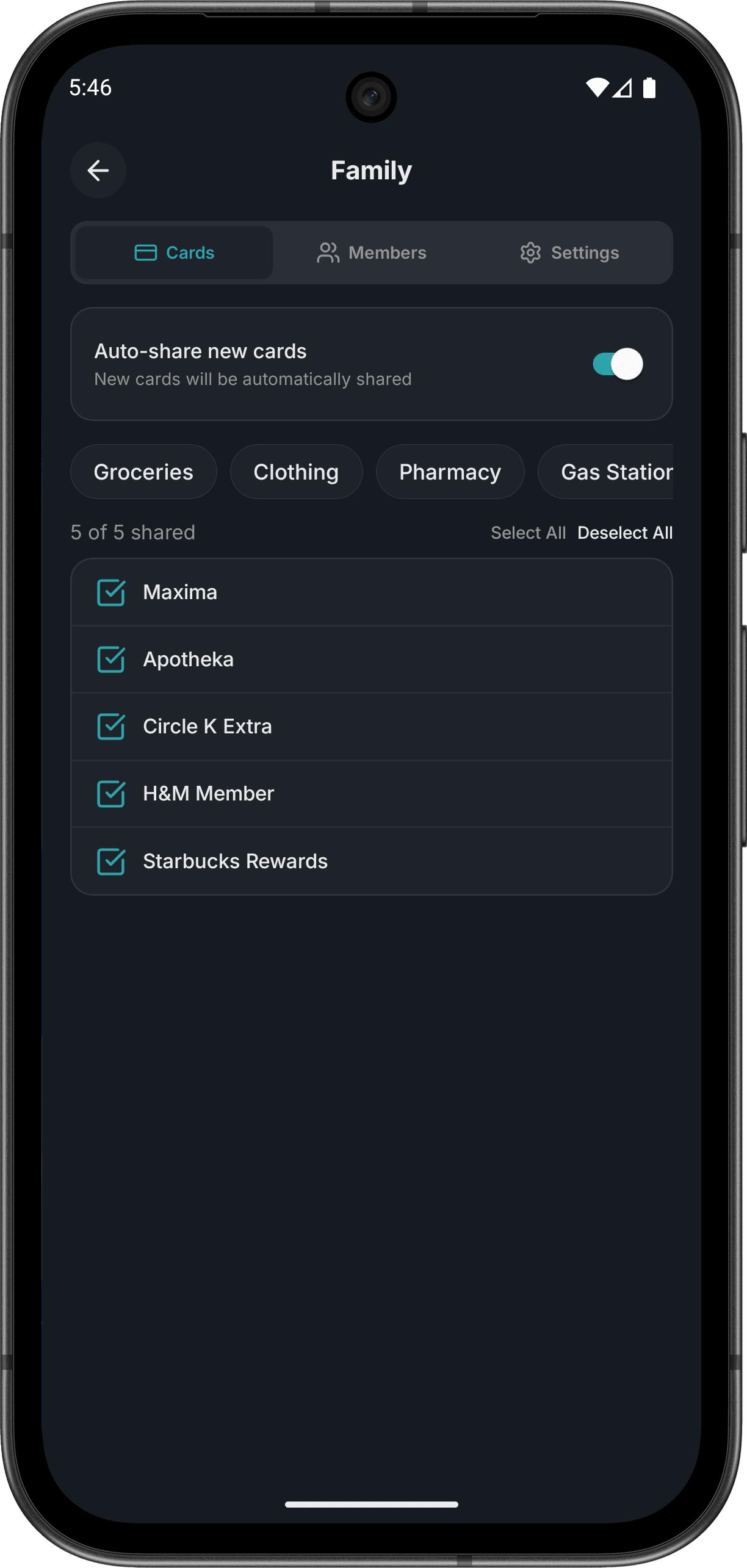
Share cards with your group
Create groups and share loyalty cards with anyone. Everyone sees the same cards, always in sync.
Family
One family member adds a card — everyone gets it instantly. No more texting photos of barcodes to each other.
Travel buddies
Traveling together? Share hotel loyalty cards, airline miles, and local store cards with your travel group.
Roommates
Split one grocery store card, gym membership, or pharmacy card among everyone living together.
Couples
Share all your store cards with your partner. When either of you is at checkout, the right card is always there.
How it works
Three simple steps to never forget a loyalty card again.
Add
Scan a barcode, snap a photo, or enter details manually.
Organize
Cards auto-sort by category and location. Create groups to share.
Use
Open the app at checkout — your card is already on screen.
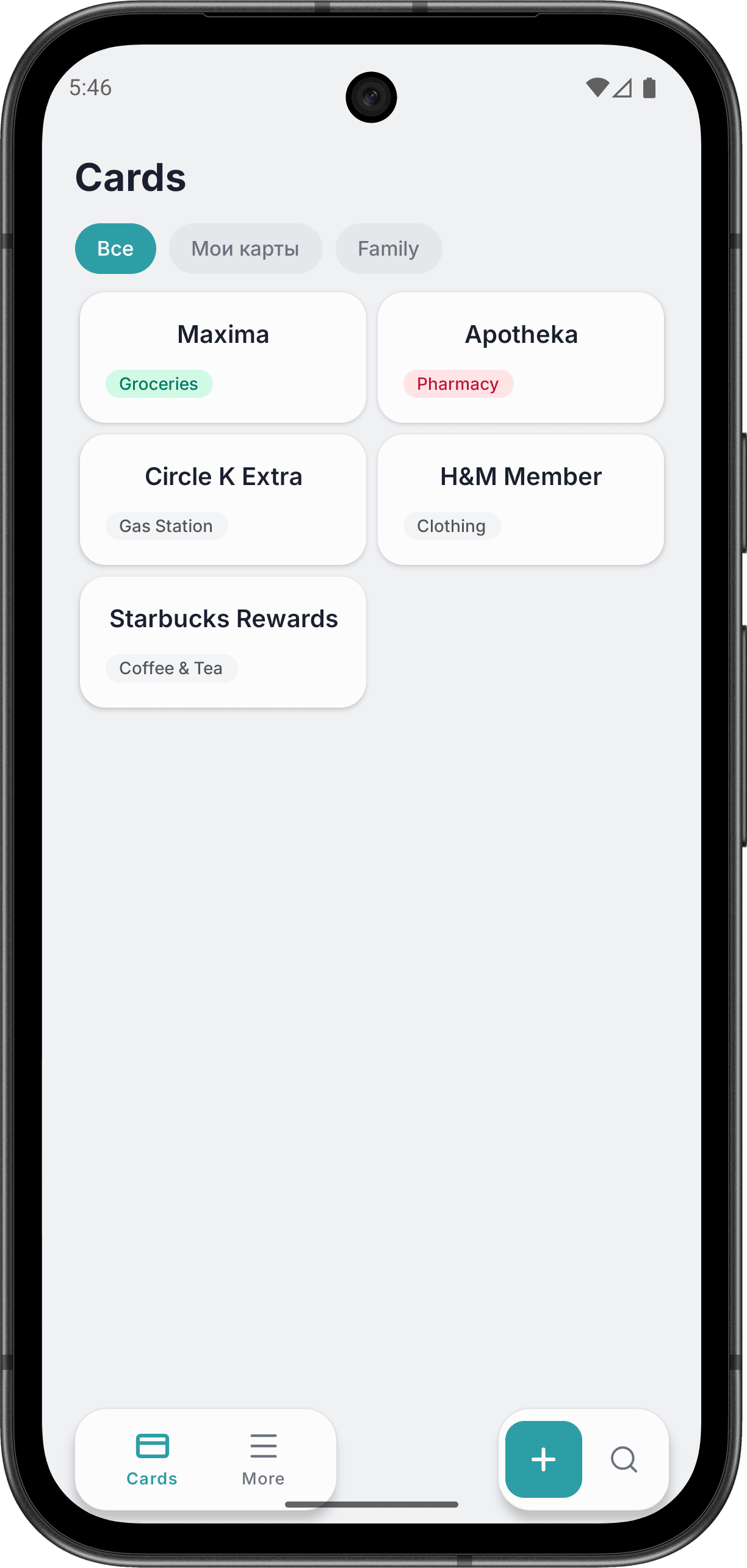
Designed for speed
Clean interface, instant access. Your loyalty cards are always one tap away.
Ready to ditch the card clutter?
Download Keylix for free and keep all your loyalty cards in one place.